0:00presenter talking head
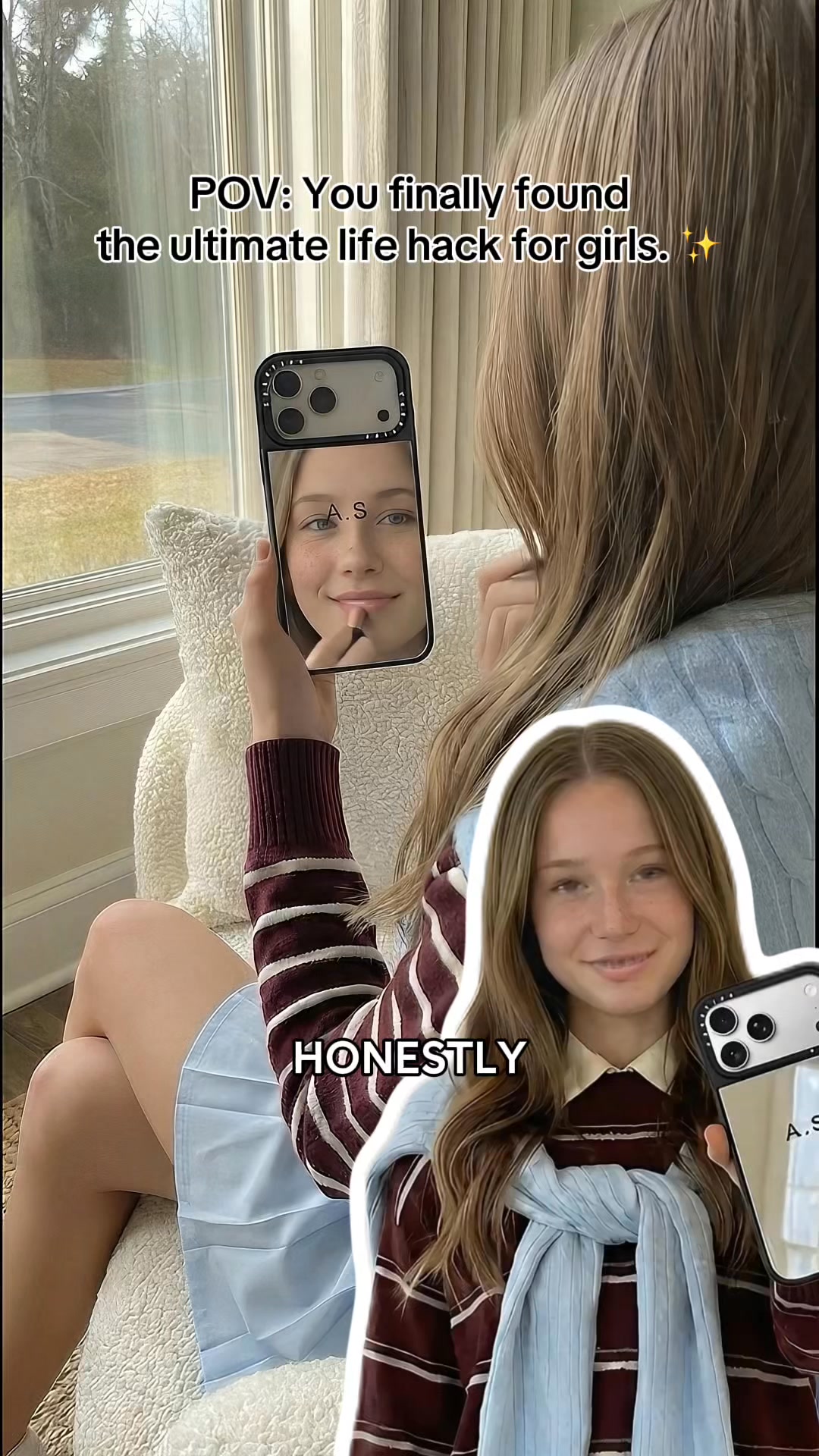
A bright, outdoor medium shot captures a young adult woman leaning casually against a textured white brick wall. The lighting is natural and even, suggesting a clear daytime setting. She holds a silver mirrored iPhone in a black case, personalized with 'A.S.', prominently in her right hand at chest level. Her left hand gestures subtly as she speaks directly to the camera. The background is a clean, bright white brick wall, providing a minimalist and contrasting backdrop. Dynamic text overlays appear sequentially: 'POV: You do this 100x a day 📱😮💨' at the top, then 'Okay Think About It' at the bottom, which is replaced by 'You Check Your Phone Like', and finally '100X A Day' followed by 'Why Stare At Something Boring?'. The dominant colors in the scene are the woman's light brown bomber jacket, a crisp white t-shirt, black leather shorts, and the bright white wall, contributing to a clean and modern aesthetic.
0:08product showcase popup
This scene presents a screen recording of a mobile shopping app interface, primarily focused on a large, central pop-up window. The background of the screen recording, partially obscured, shows a Casetify product page featuring a black iPhone with a mirror case. The pop-up itself prominently displays a detailed 3D render of a silver mirrored phone case, engraved with the initials 'A.S.', set against a dark grey background. Below the case image, large, bold white text announces 'Awesome!' followed by 'Your design has been added to cart!'. At the bottom of the pop-up, two distinct buttons are visible: 'View Cart & Shop More' and 'Checkout Now'. A small, superimposed cutout image of the presenter woman from the first scene, smiling and waving, is positioned in the lower right corner, appearing to interact with the pop-up. The text overlays 'GORGEOUS' and then 'CASE' appear sequentially beneath her image. The overall color palette is dominated by white, black, and grey from the UI, with the silver mirror case providing a sleek metallic accent.
0:10celebrity selfie kylie jenner
A close-up selfie shot, taken by a woman resembling Kylie Jenner, holding a silver mirrored iPhone case that reflects her face. The phone is held up close, partially obscuring her face, with the distinct camera array and 'CASETiFY' branding visible at the top of the case. Her reflection reveals dark, wavy hair, a sculpted face with prominent makeup, and a serious, focused expression. In the blurred background, a hand with intricate tattoos is visible, holding a green curling iron, indicating that she is in the process of having her hair styled. The environment appears to be a brightly lit indoor space, possibly a dressing room or a salon, with vague shapes suggesting clothing racks. White arrows are superimposed, pointing specifically at the phone case, drawing attention to the product. A text overlay 'Kylie Jenner's style' is displayed at the top center, emphasizing the celebrity endorsement. The scene's dominant colors include the silver sheen of the phone case, the dark tones of her hair and clothing, and the vibrant green of the curling iron.
0:11celebrity collage jennie
This scene presents a dynamic four-panel grid collage showcasing a young East Asian woman, Jennie from BLACKPINK, holding a silver mirrored iPhone case in a variety of poses. Each panel features her wearing a distinctive red and white sporty cropped jacket that exposes her midriff, paired with a light-colored, possibly white or cream, short skirt with a grey waistband. She is positioned in what appears to be a modern indoor setting, possibly a studio or a stylish room, with hints of furniture in the background. The lighting is soft and even across all panels. The top left panel shows her smiling, holding the phone close to her face, reflecting her image. The top right panel captures her in a more assertive stance, looking directly at the camera with a confident expression. The bottom left panel is another close-up selfie reflecting her face, similar to the top left. The bottom right panel is a medium shot where she looks at the camera with a slightly open mouth, again holding the phone prominently. The phone case distinctly displays 'CASETiFY' branding and small decorative charms, adding to its aesthetic appeal. The dominant colors are the vibrant red and white of her attire, her dark hair, and the sleek silver of the phone case. The text overlay 'Jennie's style' is centered in the middle of the four panels, reinforcing the celebrity association.
0:14screen recording customization step1
A screen recording displays the Casetify mobile app interface, specifically the 'Text Custom' page, indicating the first step in the customization process. At the top of the screen, a standard navigation bar is present, featuring a menu icon, a search icon, the Casetify logo, a user profile icon, and a shopping cart icon. Below this, the title 'CASETiFY Text Custom' is clearly displayed. A prominent 'Customize Now' button occupies the center of the screen, with a large black pointer finger icon animatedly tapping it, guiding the user's action. Underneath the button, the text 'STEP 1' is boldly presented in large orange letters. The lower half of the screen showcases a variety of colorful Casetify cases, each featuring different initial designs such as 'A.S.', 'EVAN', 'ASHLEY', and 'BI', alongside other accessories like AirPods cases, serving as design inspiration. The text overlay 'APP' appears above these product displays. The overall background of the interface is a clean, light grey, allowing the vibrant product images to stand out clearly.
0:15screen recording customization step2
This screen recording showcases the Casetify mobile app, displaying a comprehensive list of device models under the heading '02 Device Model', indicating the second step of the customization. The navigation bar at the top includes a back arrow icon and the page title. Immediately below the navigation bar, three distinct tabs for 'Apple', 'Samsung', and 'Google' are visible, allowing users to filter by brand. Beneath these tabs, a long, scrollable list of iPhone models is presented, including 'iPhone 17 Pro Max', 'iPhone 17 Pro', 'iPhone Air', 'iPhone 17', 'iPhone 16 Pro Max', and so on. A black pointer finger icon is animated, tapping on the 'iPhone 17' option, simulating a user's selection. The large orange text 'STEP 2' is prominently displayed towards the bottom of the screen, indicating the current stage of the customization. Additionally, the text overlay 'WITH' appears on the screen. The interface is primarily white with clear black text, and inactive selections are subtly highlighted with grey accents, maintaining a clean and user-friendly design.
0:16screen recording customization step3
A screen recording captures the Casetify mobile app interface, presenting various 'Case Type' options under the heading '03 Case Type', signifying the third step in the customization process. The screen displays a curated list of different phone cases, each accompanied by its price, protection level (categorized as Basic or Strong), and weight (Light or Medium). Small, illustrative images of each case are included alongside their descriptions. Examples shown include the 'Mirror Ring Stand Case MagSafe Compatible' and the 'Impact Clear Case MagSafe Compatible'. A black pointer finger icon is animatedly shown tapping on the 'Mirror Case MagSafe Compatible' option, priced at $549, simulating a user's choice. The large orange text 'STEP 3' is displayed prominently near the bottom of the screen. A text overlay 'KEEP' appears on the screen. The interface maintains a clean white background with black text and features clear, detailed product images, making it easy for users to browse and select their preferred case type.
0:17screen recording customization step4
This screen recording depicts the Casetify mobile app's customization interface, specifically focusing on the text input stage, labeled 'STEP 4'. The upper portion of the screen is intentionally blurred, offering a preview of a phone case with indistinct initials, setting the context for customization. The central focus is on the input fields designed for text entry, where the letter 'A' is already populated in the first field. Beneath these input fields, a red warning message, 'Text contains invalid characters', is clearly visible, indicating a potential error or guideline. Below this, a standard QWERTY keyboard is displayed, ready for user input. The keyboard is partially obscured by the large orange text overlay 'STEP 4', positioned centrally, and beneath it, the word 'THE' appears. The background of this section is a dark grey, providing a strong contrast to the bright white keyboard and input fields, emphasizing the interactive elements.
0:18screen recording customization step5
A screen recording shows the Casetify mobile app, specifically the 'Personalize' section, where users can select the font color for their customized case, labeled 'STEP 5'. The top banner of the interface displays 'iPhone 17 Pro Mirror Case MagSafe Compatible' along with an 'Add' button. The main portion of the screen prominently features a clear 3D render of the customized silver mirrored phone case, complete with 'A.S.' initials, set against a clean, light grey background. Below the case render, a horizontal scrollable menu presents various customization options, with '08 Font Color' currently highlighted. An animated black pointer finger icon is shown tapping the blue color swatch, simulating a user's selection. The large orange text 'STEP 5' is displayed, followed by the text overlay 'JUST' underneath it. The interface is bright and clean, with the phone case render serving as the central visual element, effectively showcasing the customization capabilities.
0:19screen recording customization step6
This screen recording captures the Casetify mobile app, continuing the customization process to the '09 Layout' section, labeled as 'STEP 6'. Similar to the previous customization scenes, the top banner still displays the selected product: 'iPhone 17 Pro Mirror Case MagSafe Compatible' and an 'Add' button. The customized silver mirrored phone case with 'A.S.' initials remains the central visual focus, rendered clearly against a light grey background. Below the case, the horizontal scrollable menu has now shifted to highlight '09 Layout'. An animated black pointer finger icon is seen tapping the option represented by the text 'TT' on the left side, indicating a choice for text layout. The large orange text 'STEP 6' is prominently displayed, followed by the text overlay 'SUPER' positioned below it. The interface consistently maintains its clean and minimalist design, effectively presenting the product visualization and guiding the user through the final customization choices.
0:21product added to cart
This scene is a screen recording of a mobile shopping app interface, almost identical to Scene 2, confirming a successful action. It is dominated by a large pop-up window in the center, which appears over a partially obscured Casetify product page featuring a black iPhone with a mirror case. The pop-up showcases a detailed render of the mirrored phone case with the initials 'A.S.' on it, against a dark grey background. Below the case image, large bold text reads 'Awesome!' followed by 'Your design has been added to cart!', confirming the successful addition of the customized product to the user's cart. A small QR code is visible to the right of the 'Awesome!' text, possibly for quick sharing or verification. Two distinct interactive buttons, 'View Cart & Shop More' and 'Checkout Now', are prominently displayed at the bottom of the pop-up, providing immediate next steps for the user. The overall color palette is clean, with white, black, and grey dominating the UI, accented by the sleek silver mirror case, creating a professional and user-friendly experience.
0:22presenter talking head call to action
The scene reverts to a bright, outdoor medium shot of the young adult woman, identical to the opening scene, leaning casually against a textured white brick wall. The natural, even daylight illuminates her, creating a fresh and inviting atmosphere. She holds a silver mirrored iPhone in a black case, customized with 'A.S.', in her right hand at chest level, showcasing the product clearly. Her left hand gestures openly and expressively as she speaks directly to the camera, conveying enthusiasm and a call to action. The background remains a clean, bright white brick wall, providing a consistent and minimalist backdrop. Several text overlays appear dynamically: '✨ Made just for you ✨ shop CASETiFY.com now' at the top, then 'YOUR', 'ACCESSORIES', 'CASETiFY', 'THE', and finally 'OFFER', building up to the final message. The dominant colors are the woman's light brown bomber jacket, white t-shirt, black leather shorts, and the bright white wall, maintaining the clean and modern aesthetic. She maintains direct eye contact and a cheerful, inviting demeanor throughout, encouraging viewers to engage.